 LogoNuri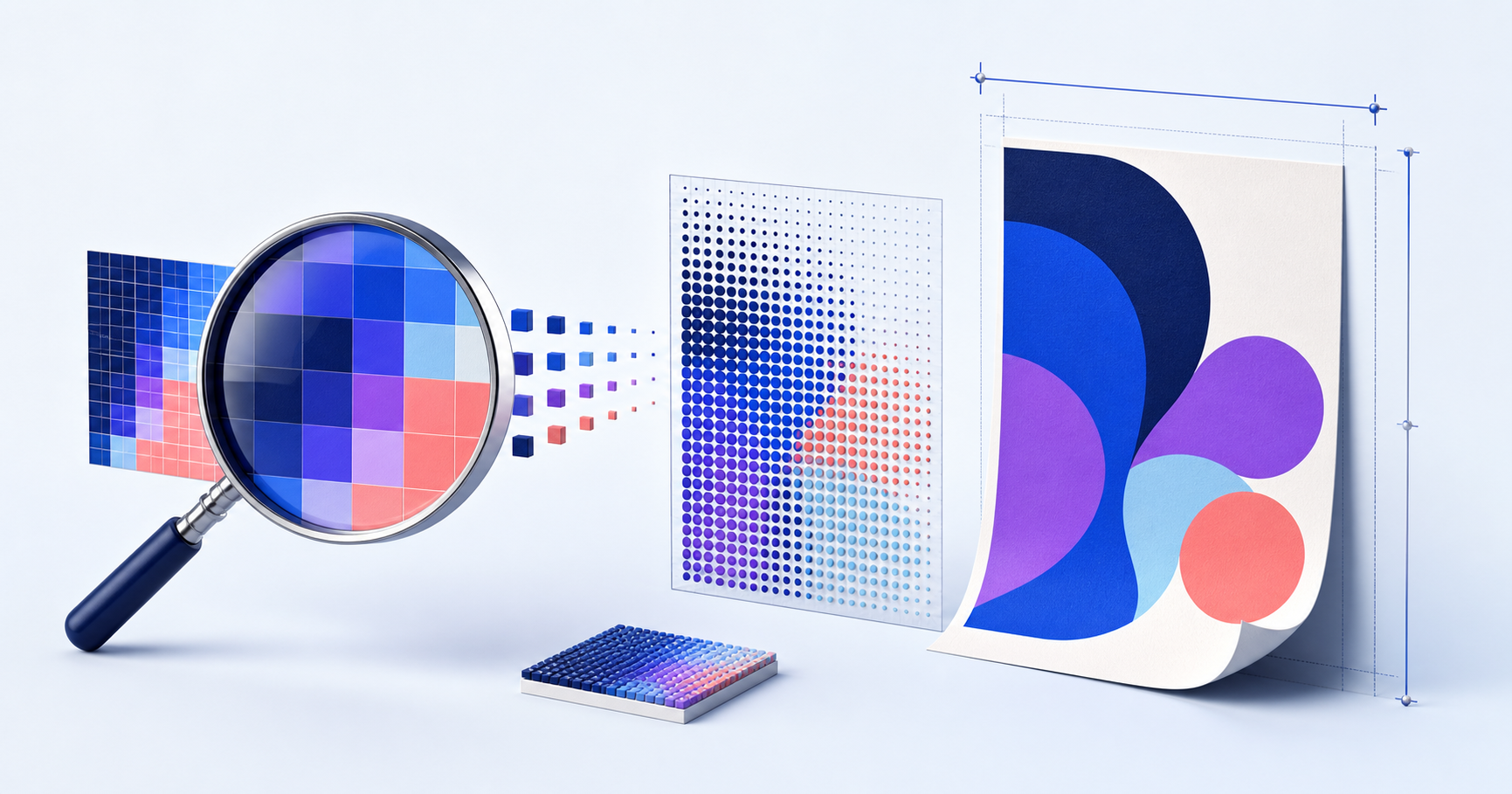
“Make it 300 DPI” sounds precise, but it often hides the only number that tells you how much raster detail exists: the pixel dimensions. A 600-by-600 pixel logo does not gain detail when its metadata changes from 72 to 300. It is still a grid containing 360,000 pixels.
The new setting changes the proposed relationship between those pixels and physical units. At 300 pixels per inch, 600 pixels cover two inches. At 150 pixels per inch, they cover four. The source did not change; the intended print scale did.
Use the basic resolution equation
For a raster file:
pixels ÷ pixels per inch = printed inches
A 1500-pixel-wide logo printed at 300 PPI is five inches wide. To find the pixels required for a destination, reverse the calculation:
printed inches × pixels per inch = required pixels
A four-inch mark at 300 PPI needs roughly 1200 pixels across. This calculation should use the artwork itself, not a large canvas with the logo occupying only the center. Crop transparent or empty margins before assessing usable resolution.
People often say DPI when they mean PPI. PPI describes image pixels per inch; DPI more strictly describes device output dots. In ordinary handoffs the terms are frequently mixed, so clarify the requested physical size, pixel count, and production method rather than arguing over the acronym.
Do not make 300 PPI a superstition
Three hundred PPI is a common target for close-viewed commercial print, but it is not a universal pass/fail line. A large banner viewed across a room can use a lower effective resolution because the viewer cannot resolve the same fine detail at that distance. A small label with thin type may need careful vector output and production testing even when an embedded raster exceeds 300 PPI.
The printer, halftone process, material, ink spread, and screening method matter. Ask the vendor for the required size, bleed, profile, file format, and effective resolution at final placement. Supplying a giant bitmap far beyond the workflow's needs can slow files without changing visible output.
Logos are ideal vector candidates
Flat logo shapes, curves, and lettering are normally better kept as vectors. SVG, PDF, EPS, or an editable design source can describe geometry without committing it to one pixel grid. A printer or application rasterizes those paths at the output resolution it needs.
Vector does not make every object infinitely sharp. Embedded photos, textures, bitmap masks, and raster effects inside a vector container still have fixed resolution. Open the file and inspect what it contains. A PDF or SVG extension can wrap a low-resolution image.
Keep one clean vector master and export fixed PNG sizes for websites, favicons, email, social cards, and software that requires raster input. This avoids repeatedly resampling a PNG into new derivatives.
Size web logos from their rendered box
On the web, CSS pixels define layout while device pixels describe the physical display grid. A raster logo displayed at 240 by 80 CSS pixels should usually have a 480-by-160 source for a two-times density screen. Set its rendered dimensions in HTML or CSS; do not let the larger file appear at its intrinsic size.
More pixels are not automatically helpful. A 4000-pixel logo downloaded for a 160-pixel header costs bandwidth and decode work without creating visible detail. Export near the largest real display need, provide responsive candidates when appropriate, and prefer SVG for clean geometry.
Avoid false detail from resampling
Conventional upscaling interpolates new pixels. AI upscaling predicts plausible texture. Both can produce a larger file, but neither restores the exact original curves or typography that were never captured. On a flat logo, invented edge texture can make later tracing harder.
If a vector original cannot be found, use the largest, least-compressed raster as a reconstruction reference. Rebuild geometric shapes and type, compare the silhouette, and create a new reviewed master. Do not send a heavily enlarged screenshot to a printer merely because its metadata now says 300 DPI.
A useful handoff states both the intended size and the evidence behind it: vector master, raster pixel dimensions, target PPI where relevant, and the final reproduction process. That replaces resolution folklore with a calculation the designer and vendor can verify.
Frequently asked questions
Does changing a file from 72 DPI to 300 DPI improve quality?
Not if the pixel dimensions stay the same. The metadata changes the suggested print scale, but it does not create new image detail.
How many pixels do I need for a five-inch logo at 300 PPI?
Multiply five inches by 300 pixels per inch. The logo needs about 1500 pixels across at the intended crop.
Does an SVG logo need a DPI setting?
Its vector paths scale independently of a fixed pixel grid. DPI becomes relevant when the SVG is rasterized or placed into a print workflow with raster effects.