 LogoNuri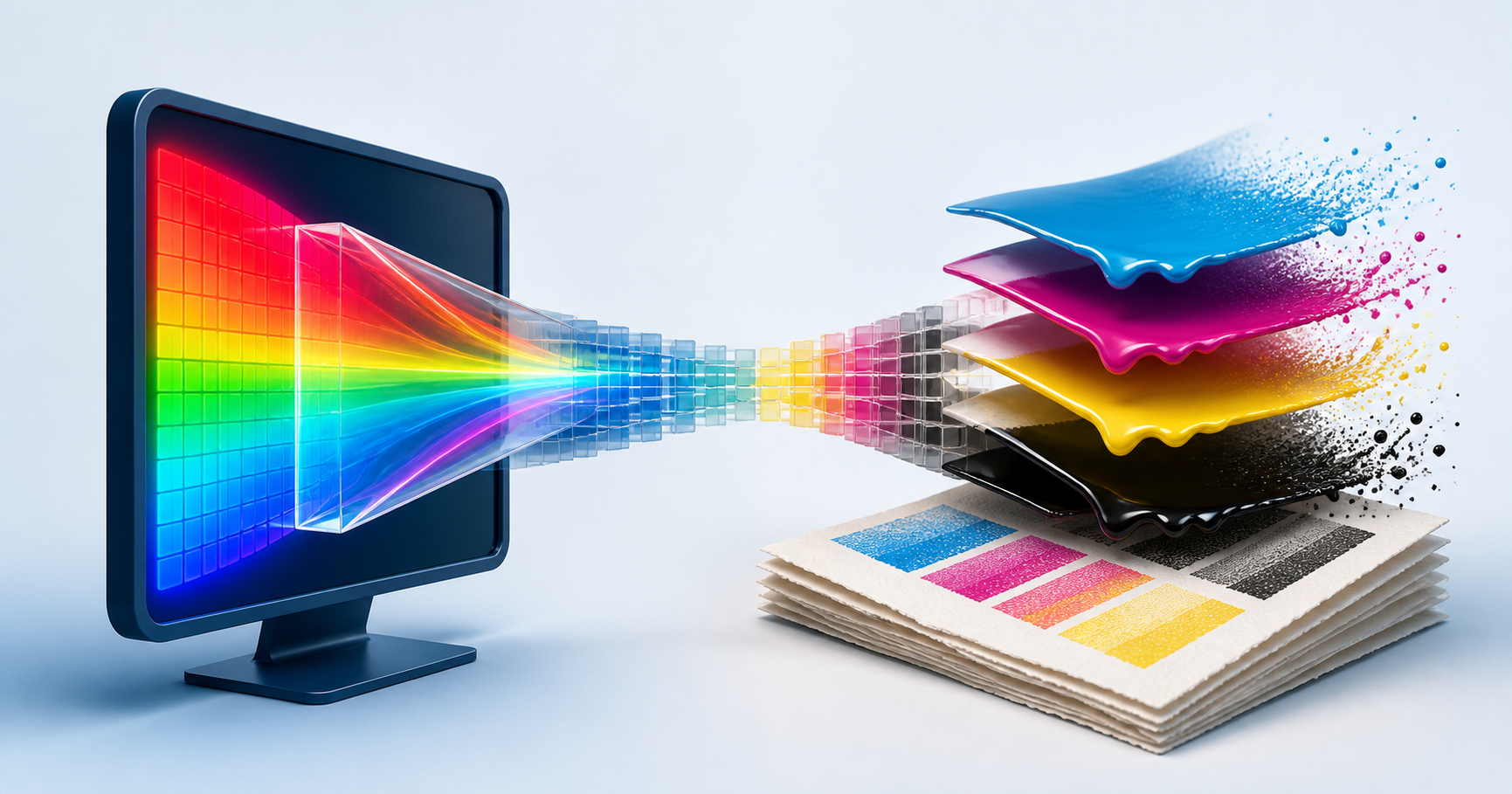
RGB and CMYK are not two spellings of the same color. They describe different reproduction systems. A screen mixes red, green, and blue light. A conventional print process places cyan, magenta, yellow, and black inks on a substrate that reflects ambient light. Converting a logo between them is a managed translation, not a channel-name swap.
That is why a vivid electric blue can glow on a display but print as a calmer blue, or why the same CMYK percentages look different on coated and uncoated stock. A responsible brand system documents intended appearances and production references instead of claiming that one set of numbers will look identical everywhere.
Start with destinations, not one universal file
Use a reviewed RGB version for websites, apps, presentation screens, and social images. sRGB is the conservative delivery space for broad web compatibility unless a controlled workflow explicitly supports something wider. Embed or preserve the intended profile so color-managed software knows how to interpret the numbers.
Prepare CMYK deliverables for print only after the printing condition is known. The vendor may specify a profile, standard condition, maximum ink limit, and preferred PDF settings. Coated offset, uncoated offset, digital toner, inkjet, packaging, and large-format output do not share one magical CMYK recipe.
For highly critical flat brand colors, a named spot ink can be more repeatable than building the color from four process inks. It still needs a physical reference and production agreement. A spot name displayed on an uncalibrated monitor is not proof of the final ink on the chosen material.
Understand what an ICC profile contributes
An ICC profile characterizes how a device or printing condition relates its native values to a device-independent reference. A color-management system uses source and destination profiles to calculate a conversion.
Without a destination profile, “convert to CMYK” leaves an important question unanswered: which CMYK? The ICC registry lists different standard printing conditions because paper type, ink behavior, separation method, and process constraints differ. A percentage combination suitable for one condition may shift visibly or place too much ink on another.
Assigning and converting are also different operations. Assigning a different profile changes how the existing numbers are interpreted. Converting recalculates the numbers to preserve the intended appearance as well as the target gamut allows. Confusing those actions can produce dramatic shifts.
Build a practical brand color table
For each core color, document a small set of references:
- RGB and hex values for normal screen delivery;
- the RGB profile those values assume;
- CMYK values tied to a named printing condition;
- a spot-color reference when the identity uses one;
- acceptable light and dark alternatives;
- a physical approved sample for color-critical production.
Do not create false precision. Four exact CMYK percentages without a profile can look authoritative while remaining ambiguous. It is more useful to write “CMYK conversion for this coated condition” and provide a second tested conversion for uncoated work.
Handle out-of-gamut colors deliberately
Some luminous cyans, greens, blues, and oranges visible on a modern display cannot be reproduced by a particular CMYK process. A color-managed preview can flag or simulate those limitations, but the correct response depends on the brand.
You might accept the closest printable color, shift the screen color so the cross-media family feels closer, use a spot or expanded-gamut ink, or approve intentionally different screen and print variants. Make that a design decision. Do not let an automatic export silently choose the brand's print identity.
Black deserves its own rule. Small black logo text and fine lines often need a simple black plate to stay sharp. Large dark areas may use a vendor-approved rich black. Randomly combining maximum values can exceed ink limits and cause drying or registration problems.
Proof the actual production path
A calibrated, profiled monitor and soft proof are useful for early decisions. They cannot reproduce paper texture, fluorescence, metallic ink, lamination, surrounding light, or every press behavior. For packaging, signage, uniforms, or large print runs, request the proof appropriate to the job and compare it under suitable lighting.
Archive the approved file, profile, proof notes, vendor specification, and date together. The goal is not perfect mathematical sameness between emitted light and printed ink. It is a controlled, explainable relationship that keeps the identity recognizable across its real destinations.
Frequently asked questions
Should a logo file be RGB or CMYK?
Keep RGB files for screens and prepare CMYK files for a defined print condition. A complete brand kit often needs both rather than one universal file.
Why does a bright RGB logo look dull in CMYK?
Some saturated screen colors fall outside the gamut a particular ink-and-paper combination can reproduce, so the conversion must map them to printable alternatives.
Can a hex color guarantee the same printed result?
No. A hex value describes an RGB color, while print appearance depends on the conversion profile, substrate, ink, press calibration, lighting, and finishing.